OmniPedia
More Wikipedia. Automatically.
Open an English Wikipedia article. OmniPedia automatically compares other language editions, translates selected passages, and adds possible extra detail and images to the page. Translated passages are colour-coded, labelled “machine translated”, and linked to the original article. No account, API key, or subscription. Just keep reading.
New free product · v0.2.0 · Free and open source · MIT licensed
English only → with OmniPedia
Villa Durazzo-Pallavicini: a short English article about a historic villa and garden in Genoa. Our live run added 27 passages from Italian, French, and Portuguese, plus 24 additional images from the selected editions.
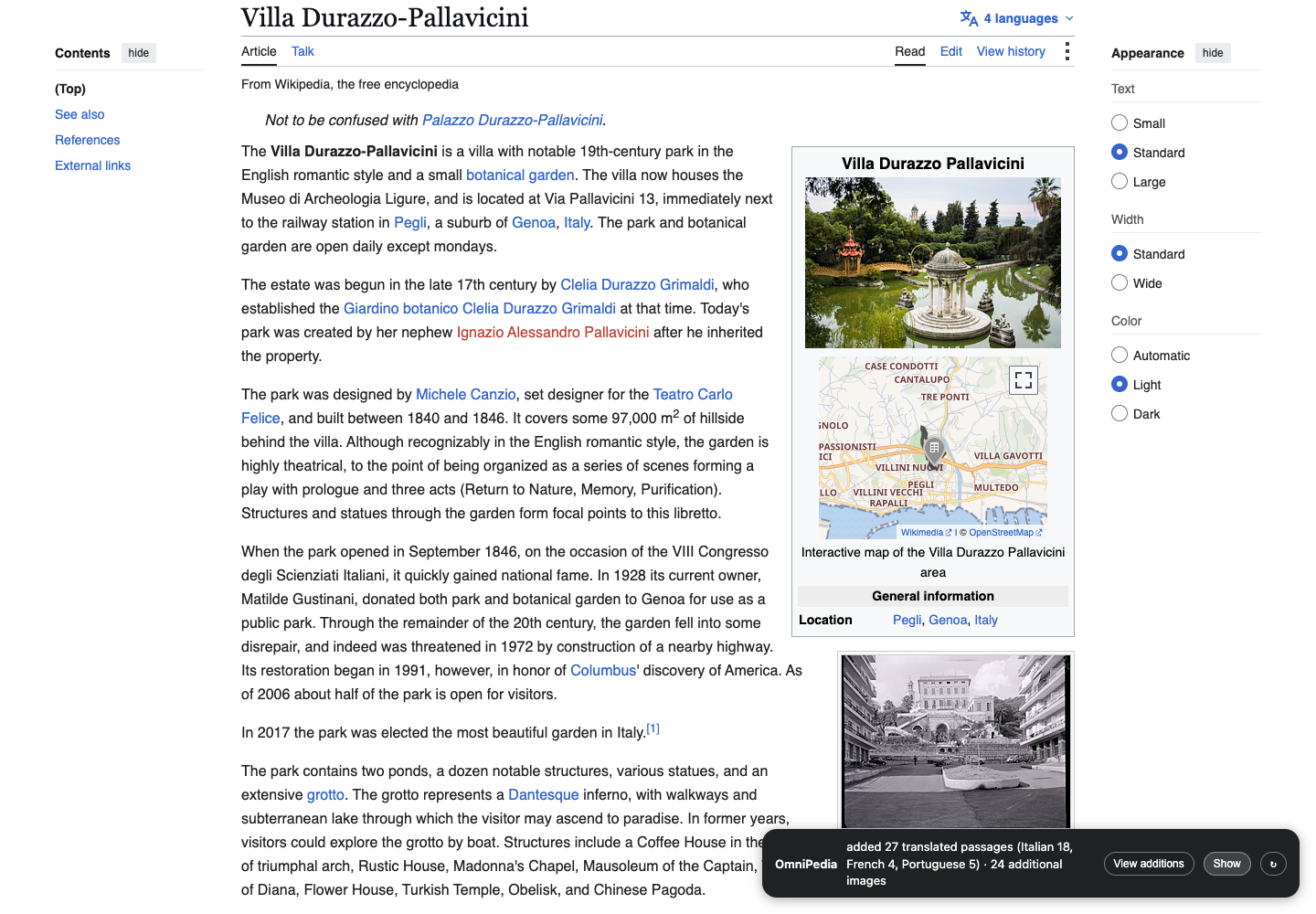
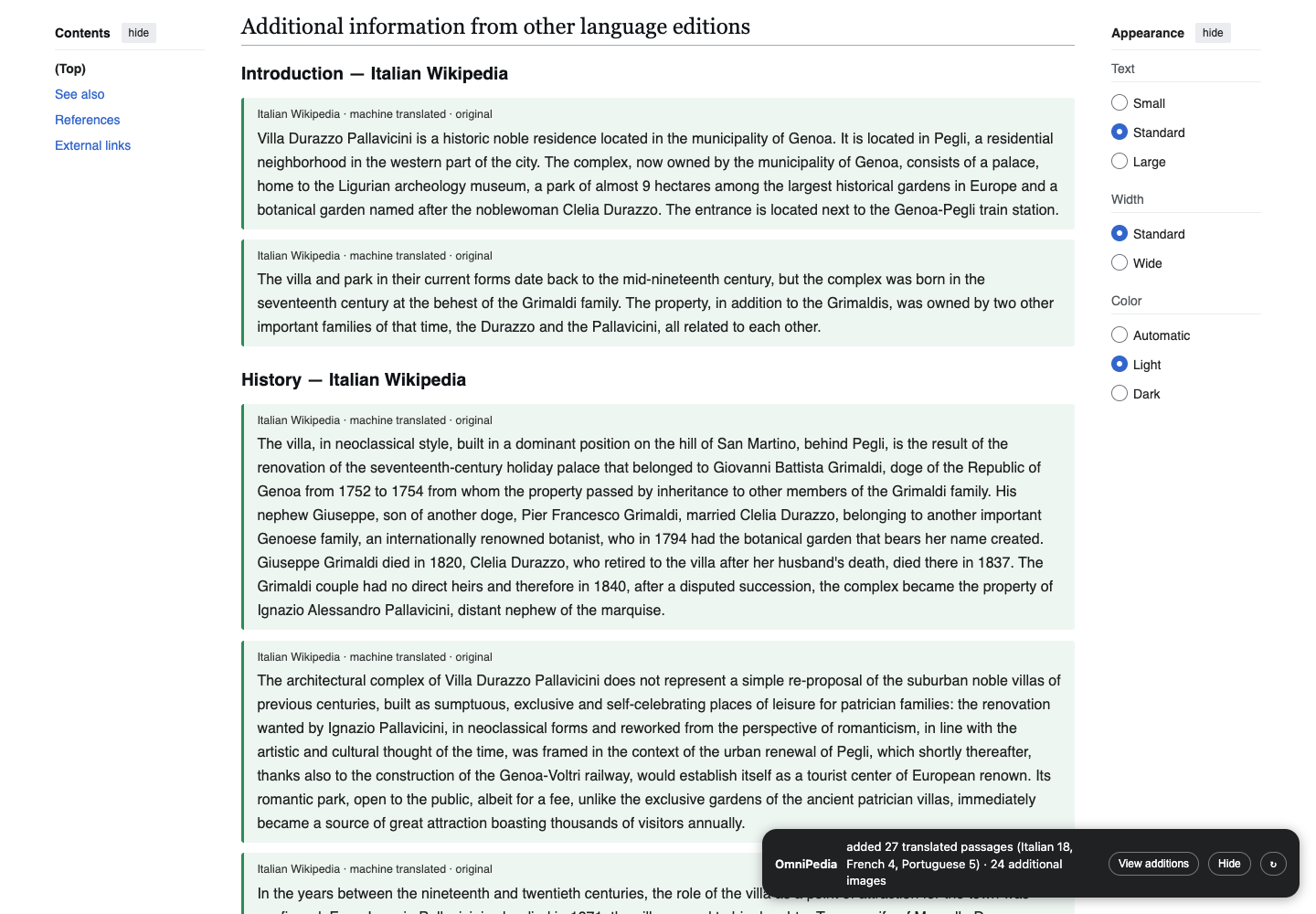
Actual browser captures, 8 September 2026. Results change as Wikipedia is edited. Additions are selected by vocabulary overlap, so some information may repeat English coverage. Machine translations can contain errors; check the linked original.
More images, too
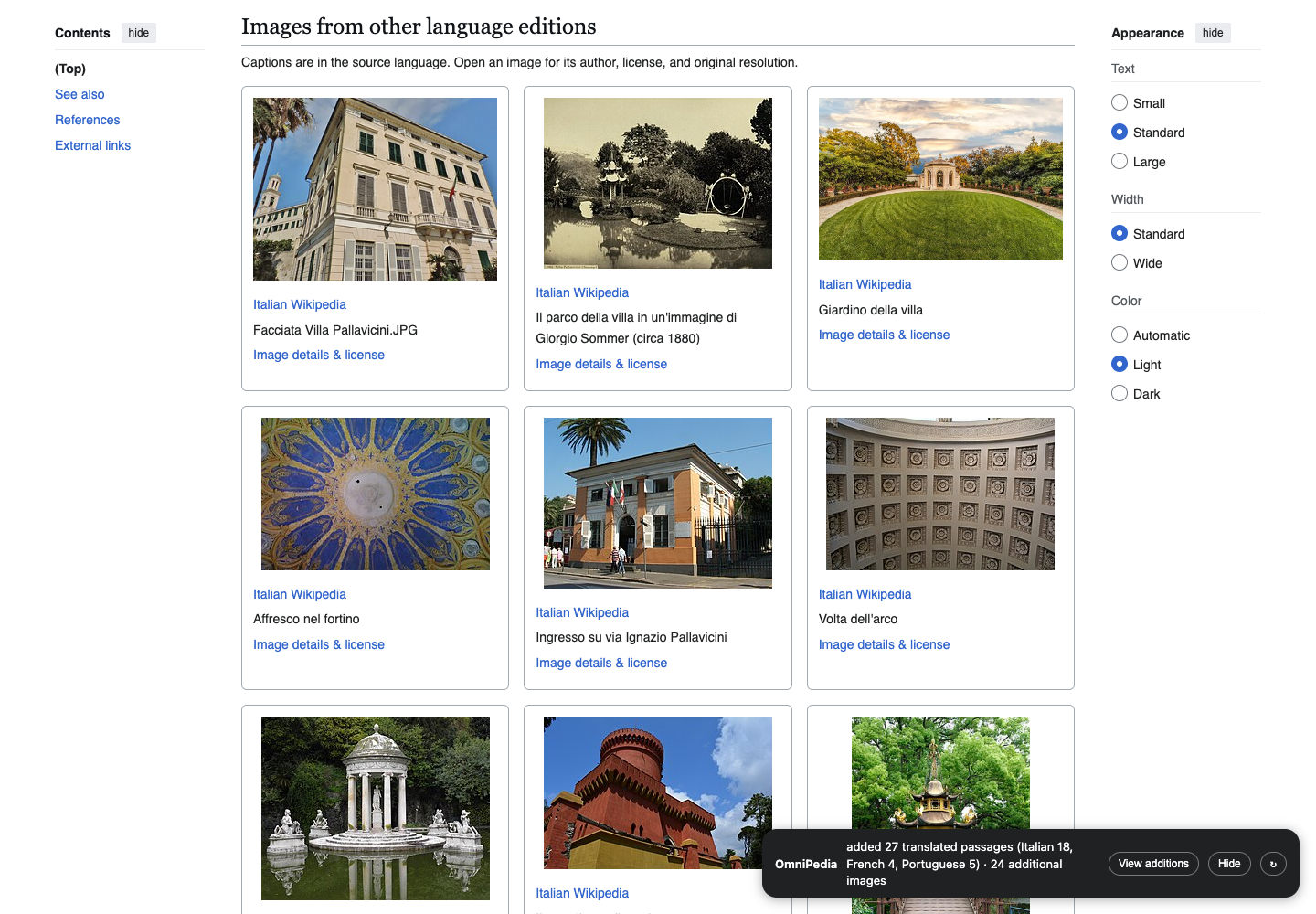
OmniPedia automatically collects unique article images from the selected editions, including infoboxes and galleries. Images already on the English page are skipped. Previews load as you scroll, and each links to its original file, author, and license. Captions remain in the source language.
How it works
- Find the editions. Up to five editions by default, ranked by article size from a bounded set of language links.
- Translate. On-device when available, otherwise Google's web translation endpoint. The fallback sends article text to Google.
- Compare passages. Word and number overlap helps find possible extra context and reduce repetition. This is an automatic reading aid, not a fact checker.
- Inject with provenance. Passages appear at the end of the matching English section, colour-coded per language, marked "machine translated", linked to their source. The corner panel shows progress and lets you jump to additions, hide them, or check again.
Install (Brave or Chrome)
- No developer tools needed. Download the latest release ZIP from GitHub and unzip it (or clone the repository).
- Open
brave://extensionsorchrome://extensions. - Turn on Developer mode (top right).
- Click Load unpacked and choose the extracted folder containing
manifest.json. Keep that folder in a permanent location. - Open an English Wikipedia article and watch the bottom-right corner. Refresh tabs that were open before installation.
The toolbar popup lets you change automatic running, language count, and how many possible additions to include. First visits take time; later visits reuse translations after checking source revisions. To update, replace the extension files, reload it on the extensions page, then refresh Wikipedia. To remove it, choose Remove on the extensions page. Chrome and Brave desktop are supported.
Open source
MIT licensed, by SAL-9000 Ltd — makers of Paster. Wikipedia content remains CC BY-SA; every injected block links back to its source article. Issues and pull requests welcome on GitHub.